
How to Make the Submenu
For Program Sites
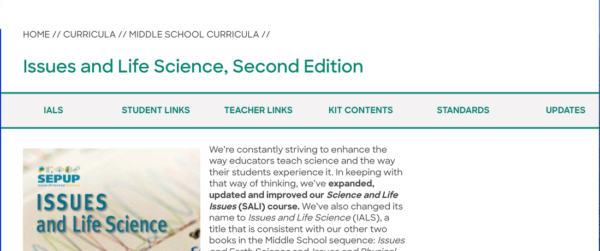
To create the submenu from scratch:
1. Create a column block and select the version with three equal columns
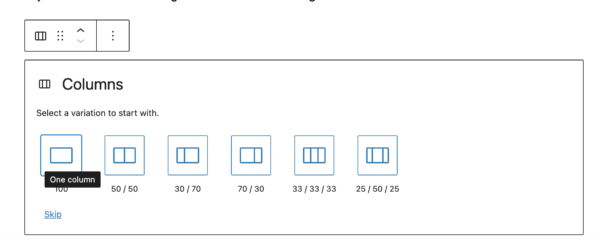
2. Add paragraphs inside each column block for each link title
3. Add more columns as needed by hovering to get the plus symbol

4. Use the left and right arrows to reorder your menu items. Make sure you have the individual column block selected and not the paragraph text.
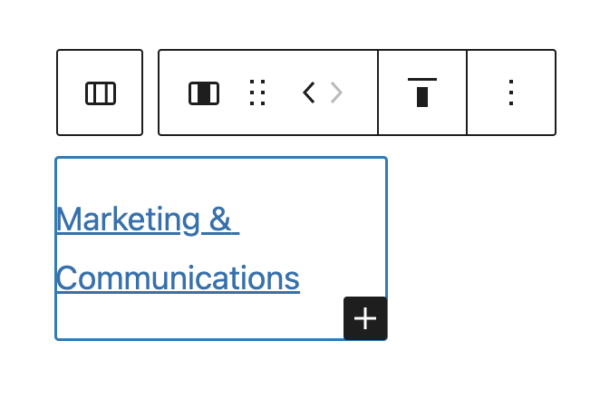
5. Once you have all of your link titles, add the URLs.
6. Add the CSS classes submenu-links fullwidth in the sidebar when you have the entire column block selected (see screenshot)

7. Copy your column block to the next page where you need the links.