Presentation + Conference Materials
Before You Present
We want to know when you are speaking at a conference, event, workshop, or webinar.
- Fill out the Upcoming Conference and Event Presentations sheet as soon as you get invited.
- Update it when you receive more details so the Leader & Educator Events page is accurate.
- Order business cards if you will use them.
- Request The Lawrence branded pens from marketing if you are hosting an interactive experience.
- Is there an opportunity to donate or give a promotional item? Ask marketing about swag.
Presentation Decks Templates
Presentation deck templates are available in Google Slides.
Guidelines
- The default typefaces, Poppins and Courier New are the only fonts to be used on these slides.
- The brand colors are used in the design, and no other colors should be used.
- We’ve identified a group of photos that could enhance your presentations. Please look to those first.
- Please use the default fonts and colors in the correct areas to keep the design consistent.
The Lawrence Presentation Template
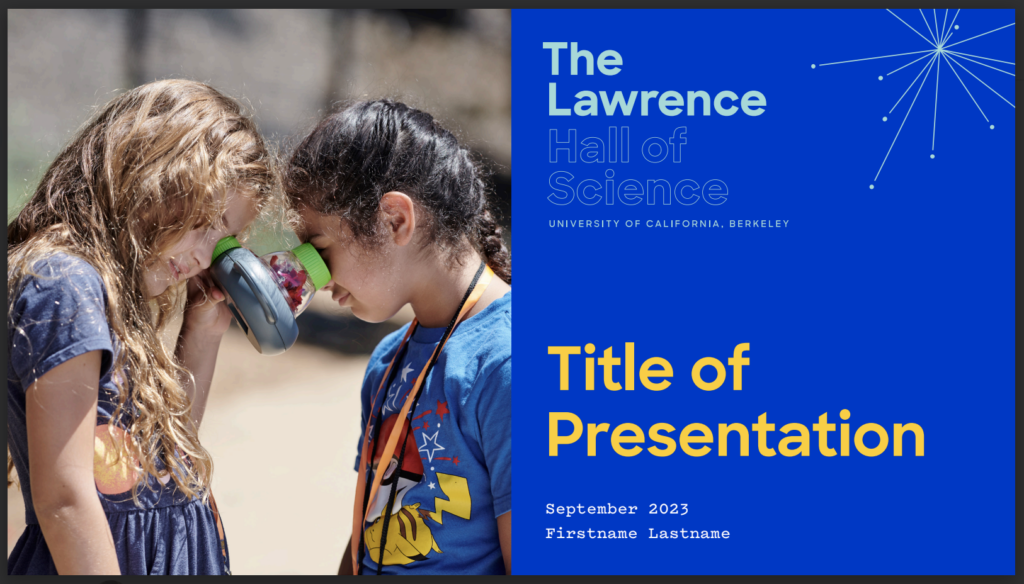
- Lawrence Slide Template for the museum and related projects
- Download photographs to enhance your presentation
Learning Group Presentation Templates

- Folder of Centers’ Slide Templates
- Center for Environmental Learning
- Center for K-12 Science
- Center for STEM Pathways
- Center for Transforming Science & Society
- Download photographs to enhance your presentation
Creating Your Slide Deck
- Select and open a Slides templates deck.
- Go to the File menu and click on Make a copy.
- Rename the file and select a Folder to save it to.
- To find your destination, click on Folder and the back arrow (⟵) to navigate to your My Drive folder or another destination.
- When the desired folder is highlighted blue, click the Select button.
Accessing Template Slides
- Open the slide deck, and you will see two slides. You are in the right place!
- Go to Slide and click New slide.
- Go to Slide again and click Apply layout. You will be able to choose from lots of choices.
- If you want to see all the choices at once, go to Slide and click on Edit theme.
Presentation Poster Templates
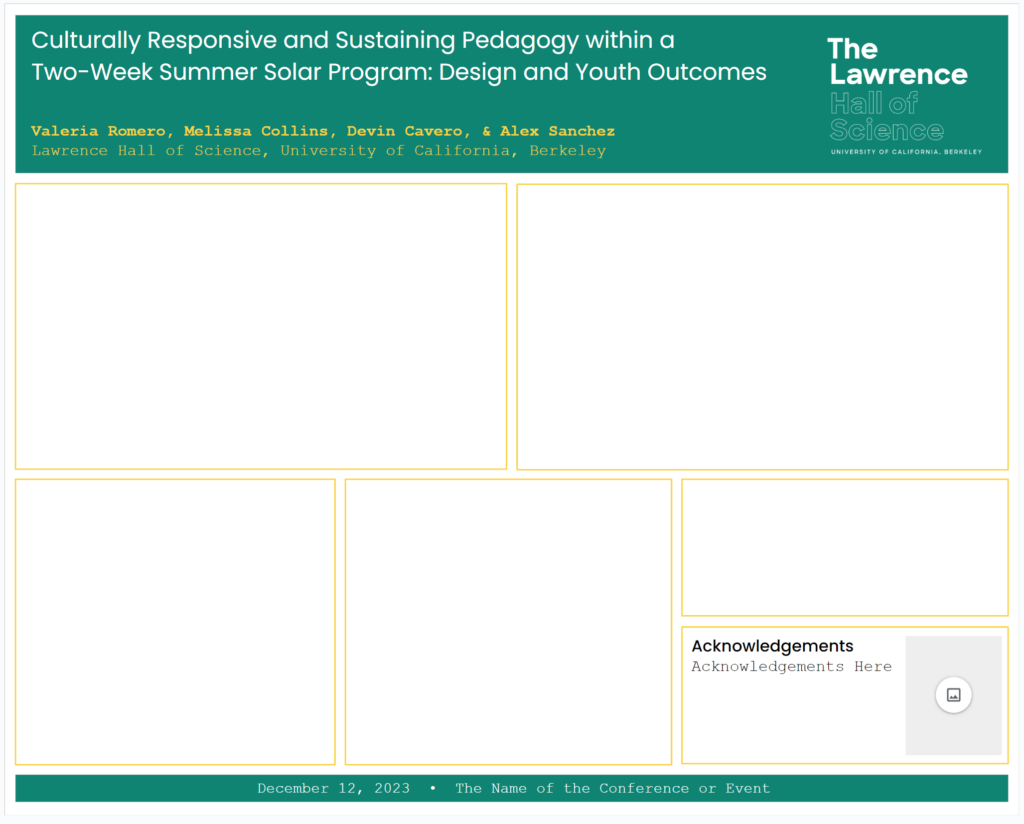
Poster templates are available in Google Slides in two standard sizes. They are designed for The Lawrence and up to four partners’ logos. There’s also a space for an acknowledgment logo. On the final slides, we have provided approved Lawrence science icons to supplement your poster.
Guidelines
- The default typefaces, Poppins and Courier New are the only fonts to be used on these posters.
- The brand colors are used in the design, and only colors from the palette should be added.
- There are Lawrence icons available for your use on the final slides of the decks.